
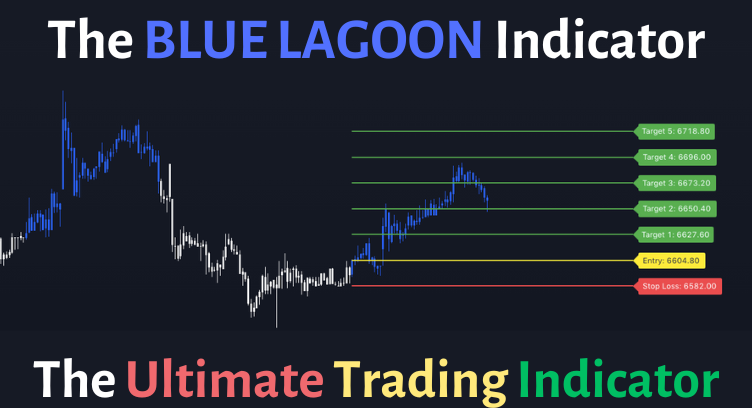
Blue Lagoon Indicator
⭐⭐⭐⭐⭐ Rating
Quality Signals
No Repainting
Clear Levels on Chart
Perfect Risk Management
Clean Entry, Targets & Stop Loss
Book a Free Demo Now
Join Blue Lagoon Whats App Group
” How to Use ” – Video in Hindi
(Must Watch)
Choose your Payment Plan
Monthly Plan (Rs 1499)
Quarterly Plan (Rs 3499)
Lifetime Access (Rs 14999)
Additional Discount will be provided Automatically


Limited Slots – Book Your Free Demo Now !!
Rules to be Followed 🧠
When to Buy 💹:
When the Candle colour changes from White to Blue and the candle closes in Blue colour, it means you can take a Position on the Buy Side
When to Sell 🔻:
When the Candle colour changes from Blue to White and the candle closes in White colour, it means you can take a Position on the Sell Side
Entry Level 🤷🏻♂️:
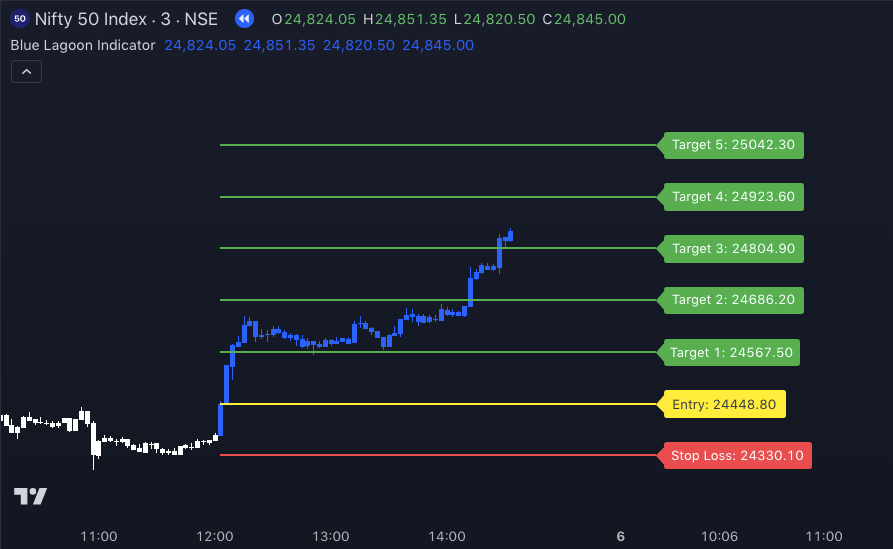
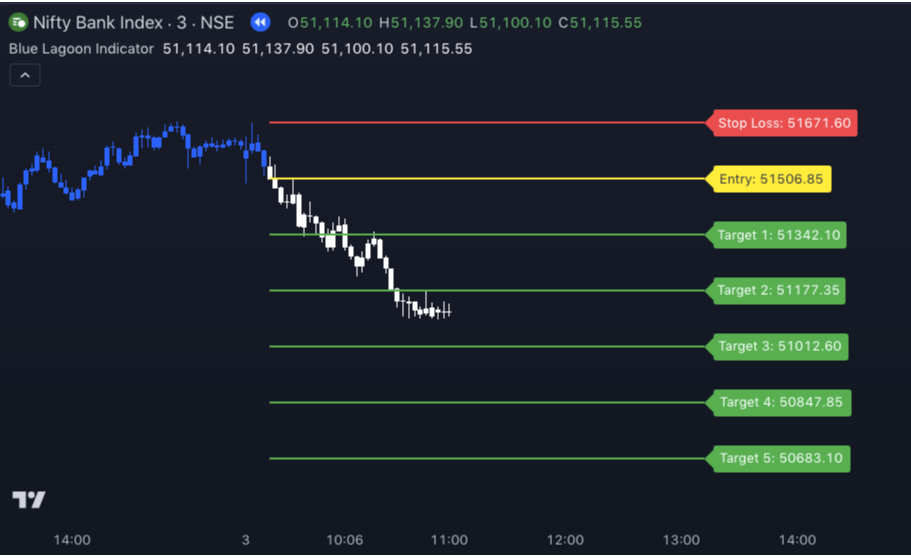
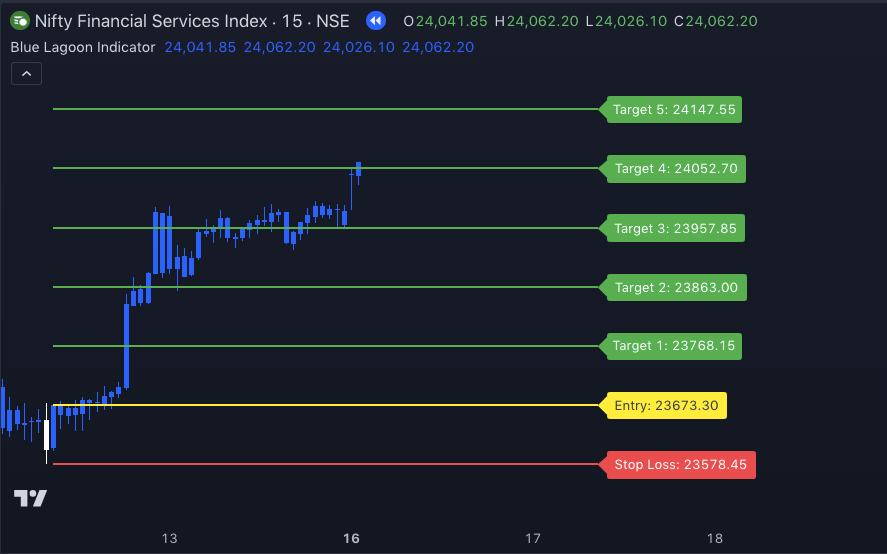
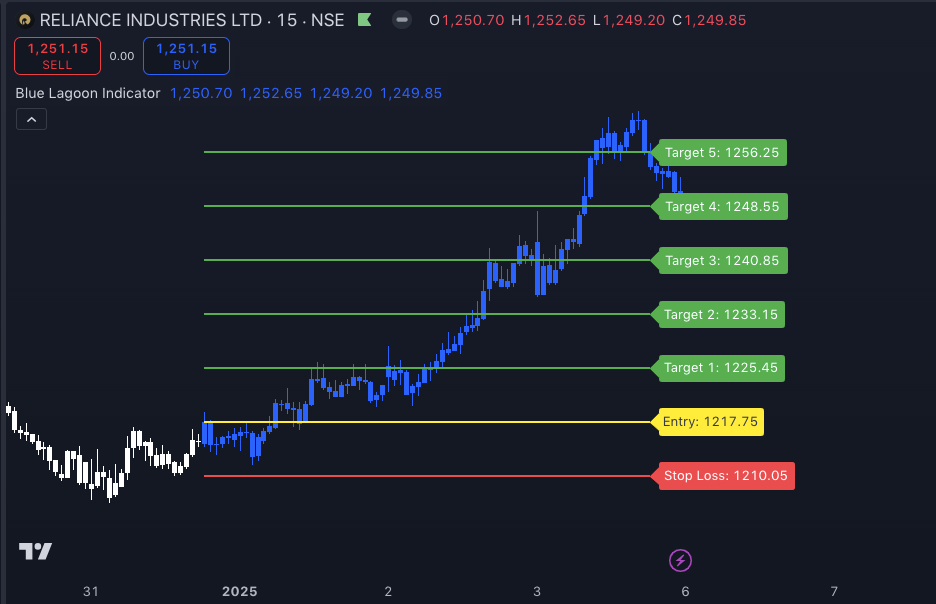
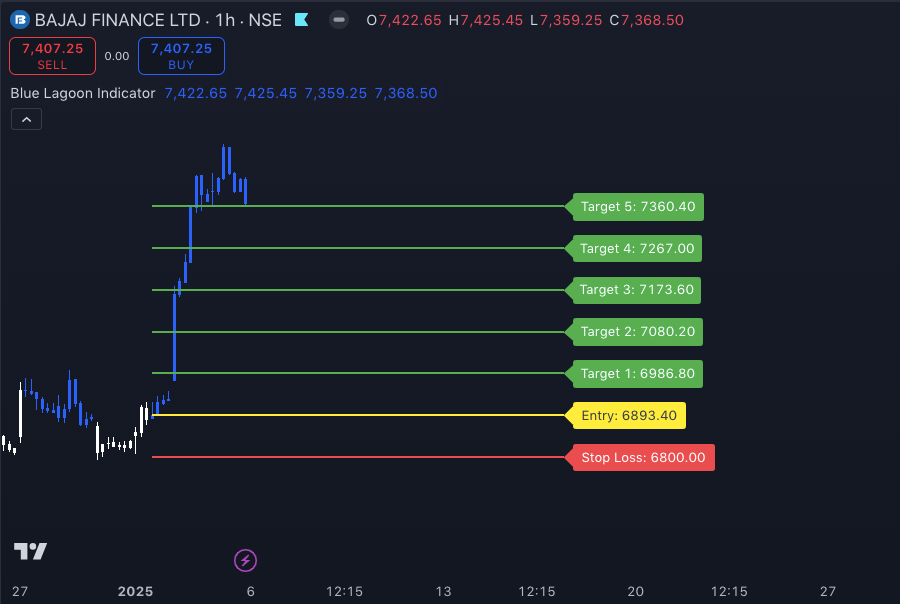
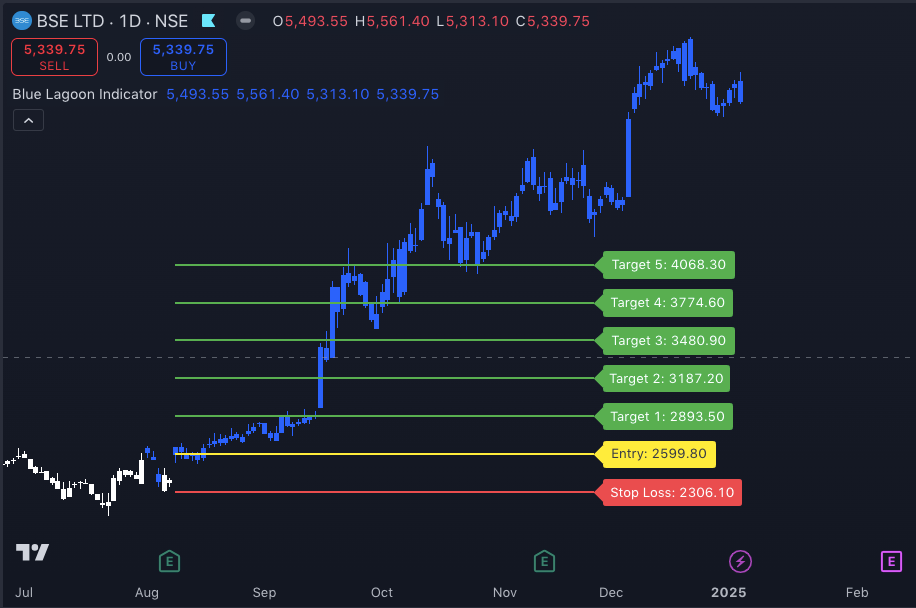
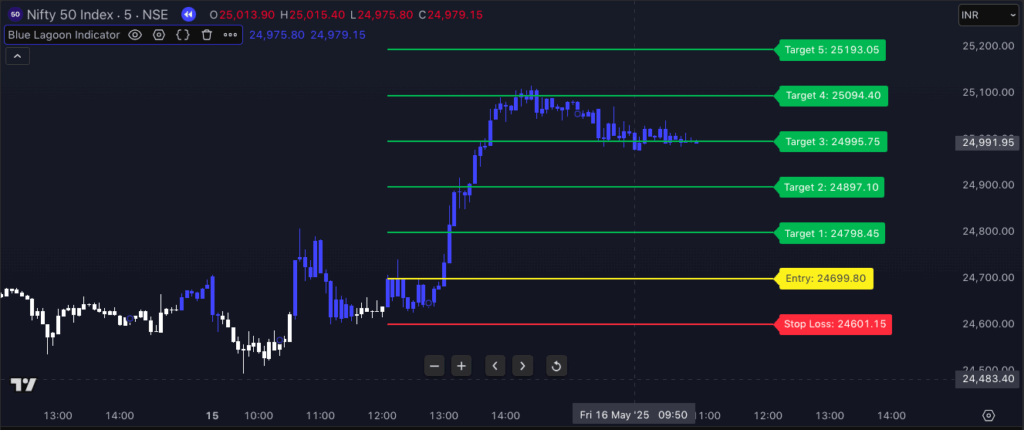
Entry will be marked automatically with a Yellow Line and will also show the Entry Price as shown in the screenshots below
Stop Loss Level 🤦🏻♂️:
For Buy Trades: Stop Loss will be the previous Swing low.
For Sell Trades: Stop Loss will be the Previous Swing High
Stop Loss levels will be calculated automatically and will be shown with a Red line and levels marked on the Chart as shown in the screenshots below.
Targets Levels 🏃🏻♂️:
5 Levels of Targets will be displayed on the Chart automatically, as shown below
How to Trail the Stop Loss 😯:
When the price has reached Target 1, in your broker terminal you can manually change your Stop loss from Stop Loss level to Entry Level, and when the Price moves to Target 2, move the Stop Loss to Target 1 . Similarly when the Price has reached Target 3 move Stop Loss Manually to Target 2 and so on …
Risk Management 🙏🏻:
These Levels are provided on the chart so that users can easily manage the risk while seeing the chart itself. The Risk and Reward between Stop Loss levels and Target 1 is 1:1 and Target 2 is 1:2 and Target 3 is 1:3, and so on.
90 % of Times 👇🏻:
If you entered a Trade and it started moving in your direction, then we are good as Targets will be Hit.
But if you entered a trade and the market didn’t move in your direction, then 90% of the time, the SL will not hit, as before the SL hits, you will get a new signal and new levels. When we get new signals and new levels, we need to exit from current trade, as that trade is over now. So basically, it means when your doesn’t trade doesn’t go well, you will exit in less loss.
Works on All Segments and All Timeframes 💪🏻
The indicator works on All Time Frames and all Segments. Examples are as below
Nifty, Bank Nifty and FinNifty
Crude, Gold, and Forex Market
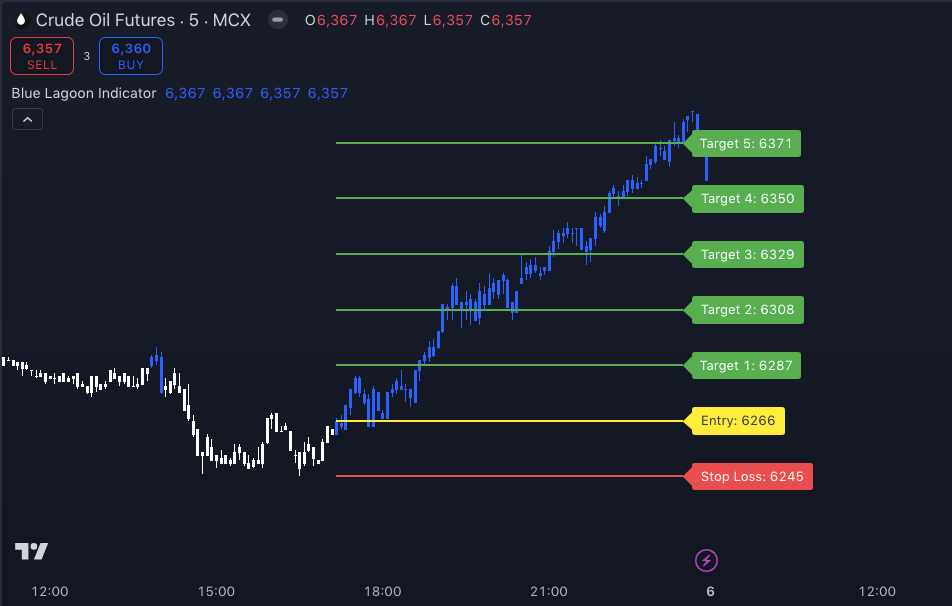
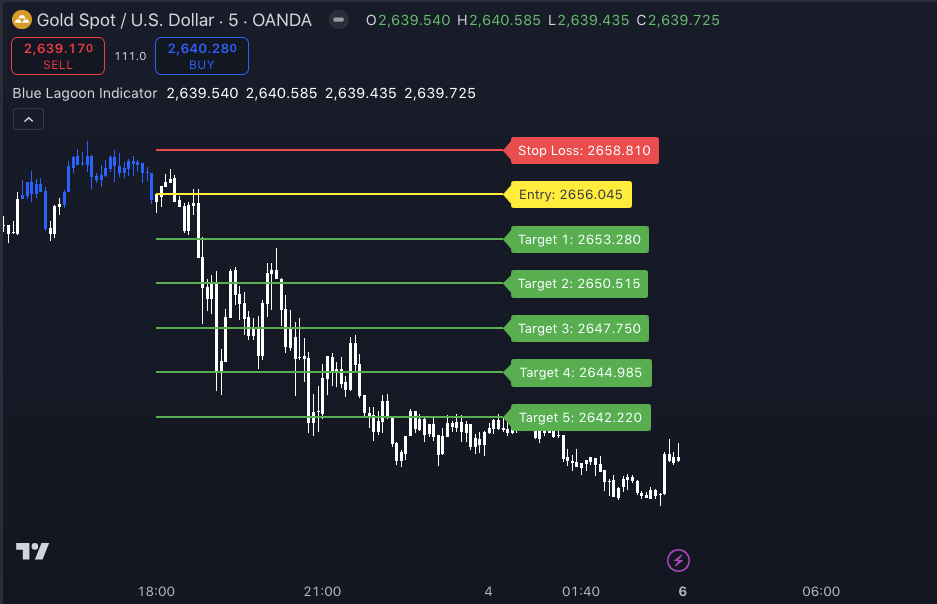
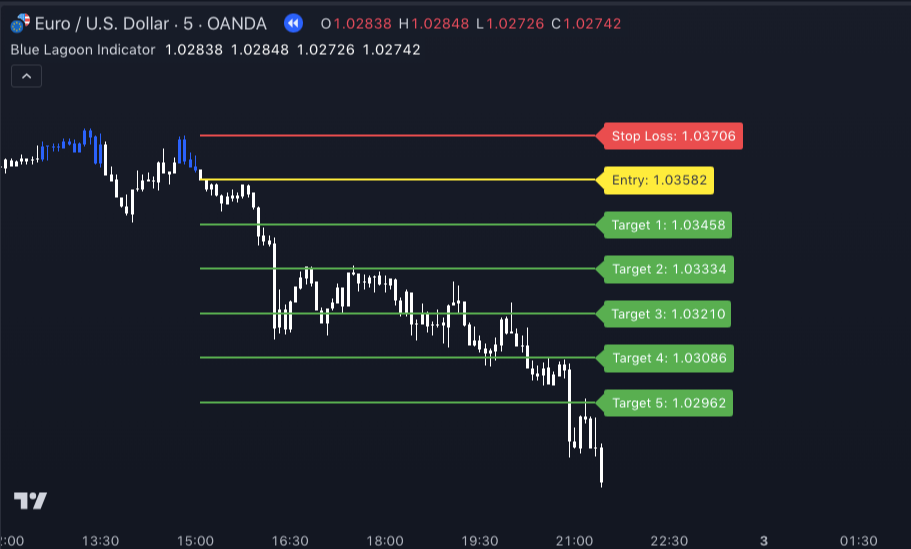
Blue Lagoon Indicator in Stocks
Nifty Rally after IND-PAK Ceasefire ( 5 mins Timeframe)
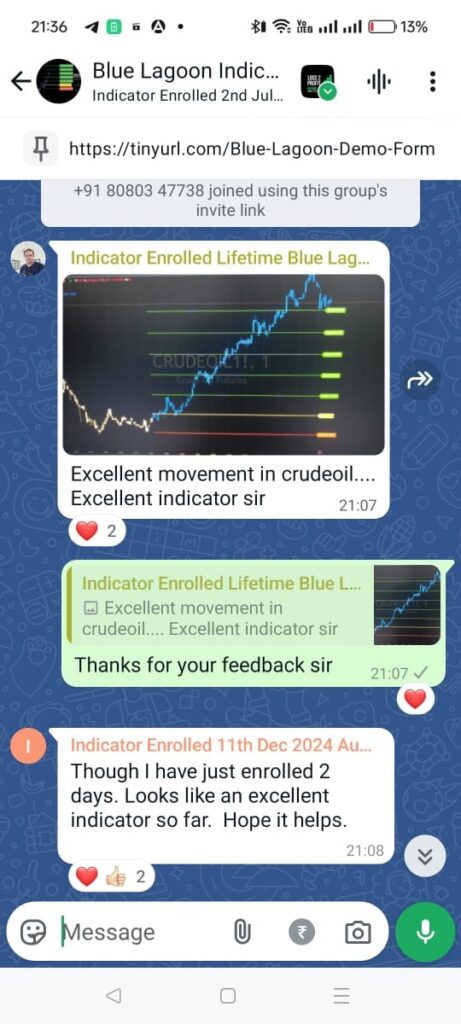
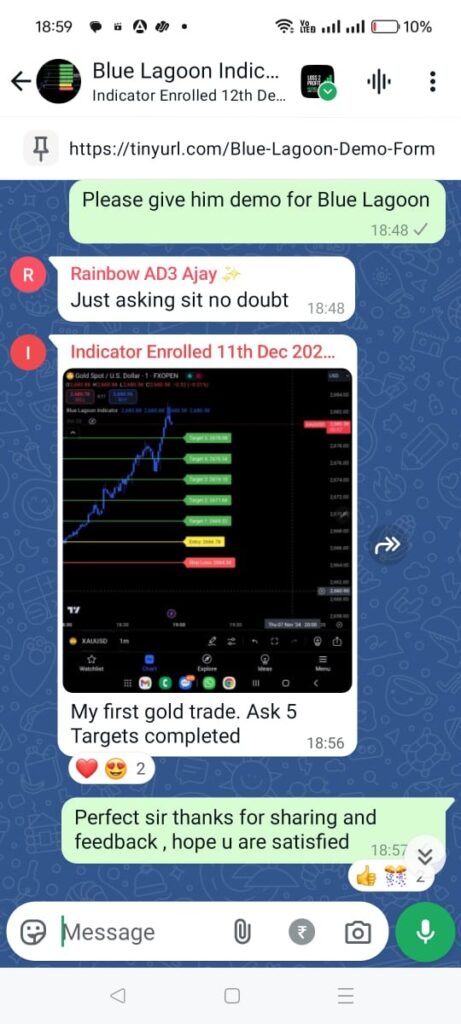
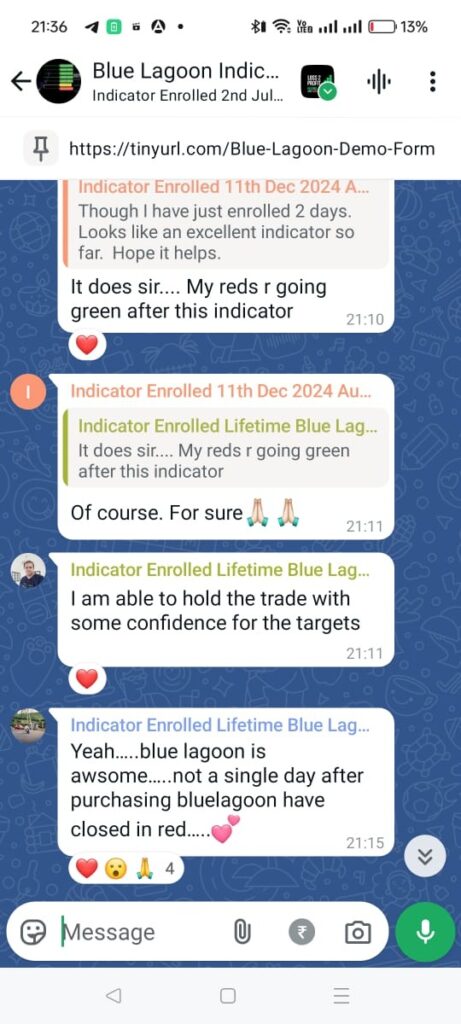
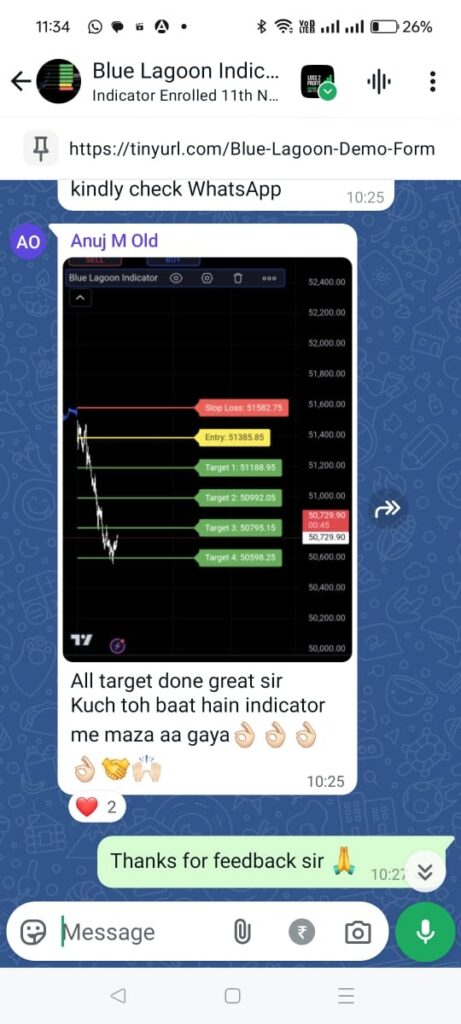
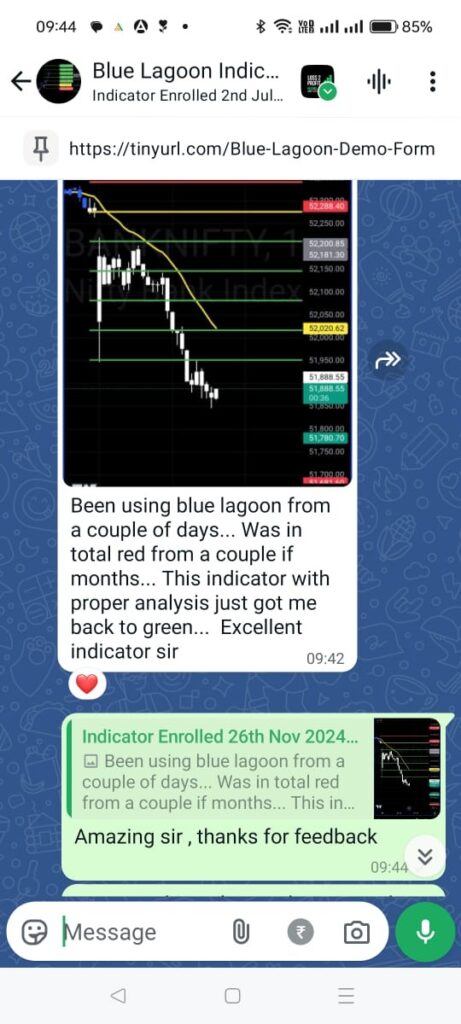
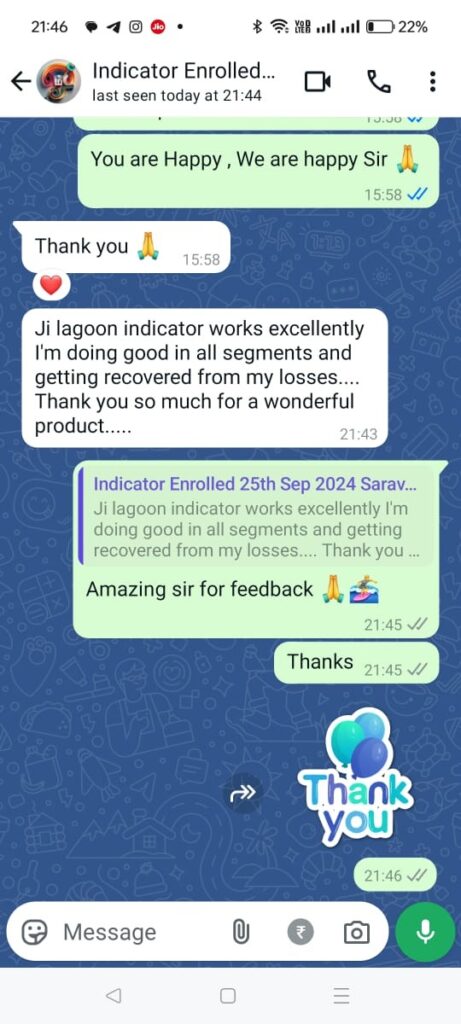
Client Feedback ✍🏻
Frequently Asked Questions 🙋🏻♂️
Question: After I got access, I am not seeing White Candles on my chart 🤕
Answer: Set your Background theme to Dark Mode, so that you can see White Candles on Dark Background
Question: After I got access, I still didn’t get Blue and White Candles on Chart.😥
Answer: When you got access you must have received the steps, either you missed step 1 or steps from 10-14. Please follow all steps. Steps are given to be followed
Questions: How much time it take to get access after payment? 💵
Answer: Usually it just takes 2/3 minutes only
Question: When to enter in trade? 🤷🏻♂️
Answer: When you get new levels, immediately enter or when the price retests the entry level. Ideally, enter as and when you get new levels.
Question: Can we set Alert ? 🤔
Answer: Yes, you can set Alerts for Buy and Sell Signal.
Here Buy Means when we get Blue Candle getting closed after White Candle its considered Buy Signal. Sell means when we get White Candle getting closed after Blue Candle its considered Sell. Please Note: We get Levels immediately as soon as Buy and Sell Scenario occurs and once levels are displayed enter into trade and set your Stop Loss and Targets.
Question: How to Trail SL 🙆🏻♂️
Answer: When the Price moves to Target 1, move SL manually to Entry Level.
When the Price moves to Target 2, move SL manually to T1 Levels.
When the Price moves to Target 3, move SL manually to T2 Levels and so on.
Question: Best Timeframe to Trade ? 🕘
Answer:
Ideally, it works in any timeframe you are comfortable but still, if you want to choose you can choose For Intraday Trading: 3 MinsIntraday options Trading: 3 MinsShort-Term Trading: 2 or 4 HoursLong-Term Investment: 1 DayScalping: 1 MinIn case you are not getting a signal on the timeframe you are checking, then come to one lower timeframe, or in case the stop loss is big then come and check on a lower timeframe